GB WhatsApp Login Problem Quick Fixes That Actually Work
Few things are more frustrating than being locked out of your own chat app. GB WhatsApp login problems can show up in different shapes, from verification code errors to endless loading screens, and most of them have simple fixes once you know where to look. This guide covers every common login issue and walks you through the fastest way back into your account
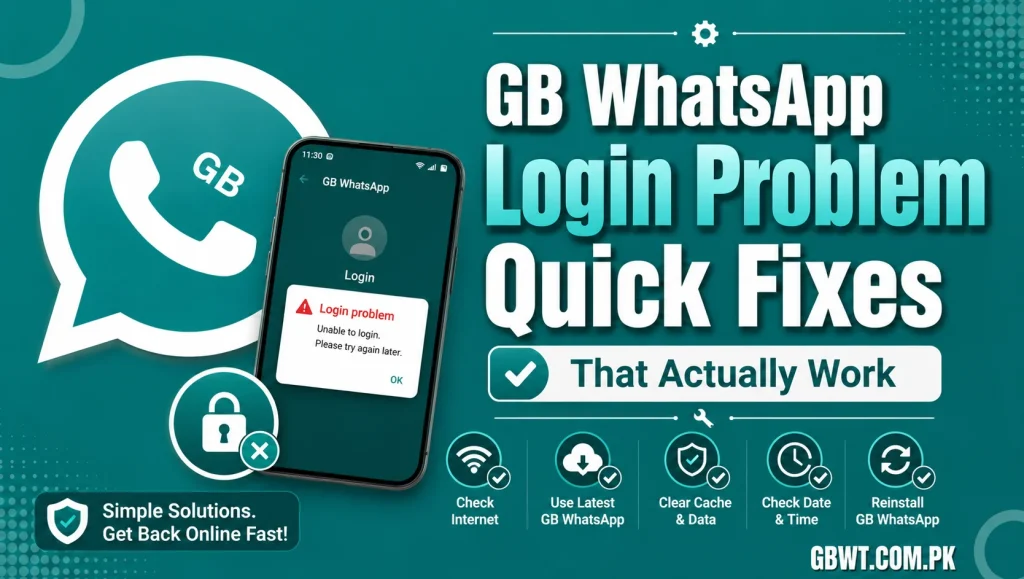
Why GB WhatsApp Login Problems Happen
Most login issues come from one of three causes. The first is an outdated version of GB WhatsApp that no longer matches the official WhatsApp protocol, so the server rejects the connection. The second is a network problem, like a weak WiFi signal or a VPN routing that WhatsApp does not trust. The third is a corrupted local database, usually after a botched update or interrupted backup restore.
Identifying the cause early saves a lot of time and prevents you from triggering temporary bans by retrying too aggressively.
Issue 1 Verification Code Never Arrives
If the SMS code does not arrive, the fastest fix is to wait 60 seconds and tap the Call Me option. WhatsApp will ring your number with an automated voice that reads the code. If the call also fails, switch from WiFi to mobile data, or vice versa, since some carriers block WhatsApp SMS on certain networks.
Issue 2 Stuck on the Loading Screen After Verification
This is one of the most reported GB WhatsApp login problems. The fix is almost always to clear the app data, update to the latest GB WhatsApp version, and re verify. Before you clear data, make sure your chats are backed up, because clearing data erases the local database.
Issue 3 This Number Is No Longer Allowed Message
This message means Meta has restricted your number. The fix is to back up your chats, uninstall GB WhatsApp, install official WhatsApp, verify your number, and wait out the restriction. Once the timer expires, you can switch back to GB WhatsApp carefully.
Issue 4 Too Many Attempts Please Try Again Later
WhatsApp blocks new verification requests after several failed tries. The fix is simple, just wait 12 to 24 hours without trying again. Use that time to update GB WhatsApp to the latest build and double check that your phone number and country code are correct.
Issue 5 Login Fails Only on WiFi
Some routers and corporate networks block the ports WhatsApp uses. Switch to mobile data, or use a trusted VPN to route around the restriction. If the problem is at work or school, ask the network admin to whitelist the WhatsApp endpoints, which usually resolves it instantly.
Issue 6 Two Step Verification Code Forgotten
Two step verification is a great security feature, but forgetting the PIN locks you out. After several wrong attempts, WhatsApp will send a reset link to the email address you set up. If you never added an email, you will need to wait seven days for the PIN to reset automatically.
Issue 7 GB WhatsApp Crashes Immediately After Login
If the app opens and closes right after verification, clear the cache, reinstall the latest APK, and make sure your phone has at least 200 MB of free storage. Outdated Android WebView components can also cause this, so update Google Play Services and Android System WebView from the Play Store.
Best Practices to Avoid Login Problems
Always keep GB WhatsApp updated to the latest version, since each new release patches protocol issues that cause login failures. Avoid switching between modded clients, like moving from GB WhatsApp to another mod mid session. Keep your phone time and date set to automatic, since wrong time settings are a surprisingly common cause of verification failure.
When All Else Fails Backup and Reinstall
If nothing works, the nuclear option is to back up your chats, uninstall GB WhatsApp, reinstall the latest version, restore your backup, and verify again. This clears corrupted files and resets the local database, which fixes roughly 90 percent of stubborn login issues.
FAQs
Why is GB WhatsApp showing a connection error?
The most common reason is an outdated app version or unstable internet. Update GB WhatsApp, switch networks, and try again.
How long should I wait after too many login attempts?
WhatsApp usually resets the cooldown after 12 to 24 hours. Avoid retrying during this period, as it only extends the lockout.
Can I log in to GB WhatsApp on two devices?
Yes, GB WhatsApp supports a companion device mode similar to official WhatsApp Web. You can link up to four devices, although the primary phone still needs internet for the link to stay active.
Will reinstalling GB WhatsApp delete my chats?
Only if you have not backed up. Always export a backup to your local storage or Google Drive before reinstalling to keep your messages safe.
Is it safe to use a VPN to log in to GB WhatsApp?
Yes, a reputable VPN is safe and often helps with login problems caused by network restrictions. Avoid free VPNs with shared IP addresses, as those are more likely to trigger security checks.