GB WhatsApp View Deleted Messages Recovery Guide
The Delete for Everyone feature in WhatsApp is great for fixing typos, but it is also one of the most common sources of curiosity. When someone deletes a message right after sending it, the official app simply shows a This message was deleted placeholder, leaving you guessing. GB WhatsApp solves this completely with the anti delete feature, which lets you see the original message exactly as it was sent. Here is how to use it.
What Is the Anti Delete Feature
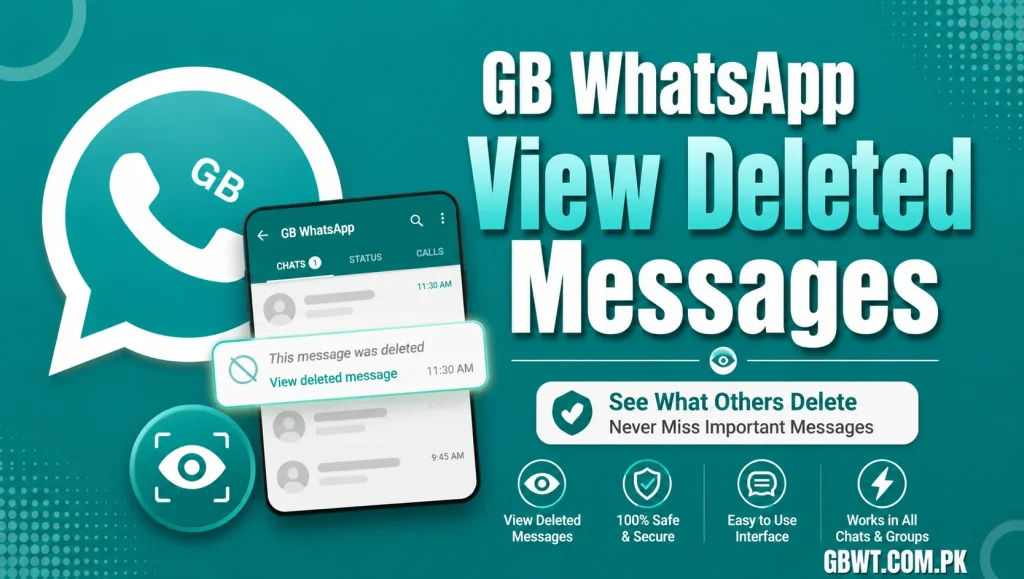
Anti Delete is a built in module in GB WhatsApp that captures incoming messages before they reach the official delete endpoint. When someone chooses Delete for Everyone, the message remains visible in your GB WhatsApp chat, with a small Deleted label added so you know it was originally pulled back by the sender. The feature works in both one to one chats and group conversations.
How to Enable View Deleted Messages
Open GB Settings
Launch GB WhatsApp and tap the three dot icon in the top right corner of the home screen. From the menu, choose GB Settings to access the full customization suite.
Go to Privacy and Security
Inside GB Settings, navigate to Privacy and Security. You will see a long list of privacy options that the official WhatsApp does not offer, including the toggle for Anti Delete.
Turn On the Anti Delete Switch
Find the Anti Delete or View Deleted Messages toggle and switch it on. The setting applies immediately, so you do not need to restart the app. From this point on, any deleted message will remain visible in your chat with a small marker showing it was pulled back by the sender.
Where Deleted Messages Are Stored
GB WhatsApp keeps a log of every deleted message inside a hidden database. You can review this log anytime by opening GB Settings, then Privacy and Security, then Anti Delete Log. The log includes the sender name, original message, and timestamp, which is helpful if you need to look back at a specific conversation.
Anti Delete for Status Updates
GB WhatsApp goes beyond chat messages. The same anti delete logic applies to statuses, so if someone posts a status and then deletes it, you can still view it from your status archive. This works for both photos and videos, with the original quality preserved.
Does the Sender Know I Saw the Deleted Message
No, the anti delete feature is local to your device. The sender has no way of knowing that you still saw the message they tried to recall. As far as WhatsApp servers are concerned, the delete was successful, and the official app would show the placeholder text.
Combine Anti Delete With Other Privacy Tools
For the most complete privacy setup, pair Anti Delete with hide blue ticks, freeze last seen, and disable read receipts. Together, these features give you full visibility into your chats while keeping your own activity completely invisible to others. You can read everything, see everything, and reply on your own schedule.
Common Issues and Quick Fixes
If Anti Delete is not working, make sure you are on the latest version of GB WhatsApp, since older builds may lack the latest protocol patches. If the log is empty, open a chat with the contact first, then trigger the delete from another device, as the log only starts capturing after the feature is enabled. If statuses are not being archived, double check that the Status Auto Save toggle is also on.
Anti Delete and Storage Management
Because Anti Delete keeps copies of incoming messages, your local database grows faster than usual. To keep storage healthy, periodically export old logs to your phone storage and clear them from inside the GB WhatsApp settings. A monthly cleanup is usually enough to keep things running smoothly.
FAQs
Can I recover messages I deleted myself?
No, Anti Delete only works for messages deleted by the other party. Messages you delete yourself are removed from your local database immediately.
Does Anti Delete work in groups?
Yes, the feature covers group chats as well. Deleted messages in groups are kept with a small marker so you can see who originally sent and deleted the content.
Can the sender tell I enabled Anti Delete?
No, the feature is invisible to other users. The sender only sees the standard delete confirmation from their own app.
Will Anti Delete work if I reinstall GB WhatsApp?
Logs are stored locally, so they are cleared if you reinstall without a backup. Always export the log to your phone storage before reinstalling to keep your history.
Does Anti Delete affect voice notes and media?
Yes, all message types are captured, including text, voice notes, images, videos, documents, and stickers, with the original quality preserved.