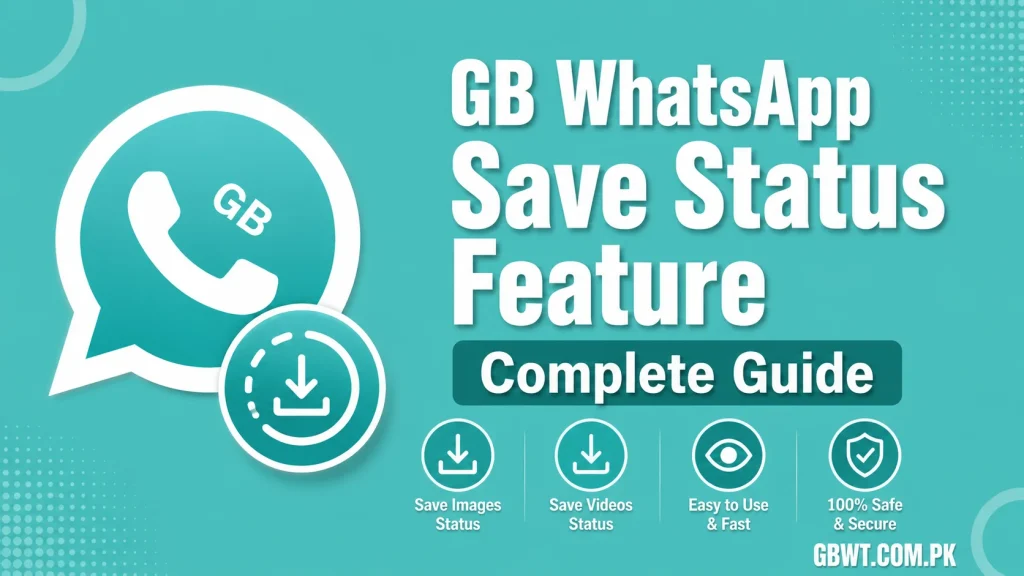
GB WhatsApp Save Status Feature Complete Guide
Statuses are the most fun part of modern messaging, and GB WhatsApp takes the experience several steps further with a built in save status feature. Instead of scrambling to screenshot a story before it disappears, you can keep photos, videos, and text statuses forever with a single tap. Here is everything you need to know about saving statuses using GB WhatsApp in 2026.
What Makes Status Saving So Popular
Stock WhatsApp only lets you view statuses for 24 hours, with no native way to download them. This frustrates users who want to keep memories, business promos, or funny content for later. GB WhatsApp solves this by adding a private gallery that automatically stores every status you view, and a download button that lets you save any status to your phone in original quality.
How to Save Statuses on GB WhatsApp
Automatic Status Saving in the Gallery
The first time you open GB WhatsApp after updating, head to the Statuses tab and view a few stories. GB WhatsApp will quietly store them inside a hidden folder called GBStatus or GBStatuses inside your file manager. You can open this folder anytime to re watch, re share, or back up statuses without notifying the original poster.
Manual Download of Photos and Videos
If you only want to save specific statuses, open the status you like and tap the download icon at the bottom of the screen. The file is saved directly to your gallery under a dedicated GB WhatsApp folder, keeping everything organized and separate from your personal camera roll.
Saving Text Statuses
Text statuses are handled differently. Long press the status bubble and choose Copy, or tap the save icon to drop the text into a notes file inside the app. This is great for saving quotes, promo codes, or contact details your friends share as text.
Where Are Saved Statuses Stored
GB WhatsApp uses two main locations. Internal storage under Android, media, com.gbwhatsapp, GBStatuses is the default for automatic saves. Manual saves land in your phone gallery under Pictures, GBWhatsApp. Both folders can be opened from your file manager, and you can copy the files anywhere you like for backup.
How to Control Auto Save Settings
Open GB WhatsApp, go to GB Settings, then Privacy and Security. You will find a switch for Status Auto Save. Turn it off if you want manual control only, or leave it on for hands free archiving. You can also choose to hide the saved folder from your gallery using a built in toggle, perfect for keeping surprises private.
Sharing Saved Statuses With Friends
Once a status is saved, you can repost it to your own status, send it to a friend, or share it on other social apps like Instagram and Facebook. Just open the file from the GBStatuses folder, tap share, and pick your destination. The original quality stays intact, so videos do not get compressed and photos do not lose detail.
Tips to Keep Your Status Library Organized
Create subfolders inside the GBWhatsApp directory for different categories, like Work, Friends, or Inspiration. Periodically move older statuses to cloud storage like Google Drive to free up space. Use the in app filter to quickly find a specific status by sender or date.
Common Issues and How to Fix Them
If the GBStatuses folder is not appearing, open GB Settings, hit Status Privacy, and enable the Save Status option. If a downloaded video is corrupted, make sure the original status has finished loading before you tap save. If automatic saving has stopped, check that the app has storage permission enabled in your phone settings.
FAQs
Does the person know if I save their status?
No, GB WhatsApp saves statuses silently in the background. The original poster never receives a notification, and your view still counts as a normal view.
Can I save statuses from official WhatsApp using GB WhatsApp?
GB WhatsApp can only save statuses from accounts that are also using GB WhatsApp, since the feature is part of the mod. Standard WhatsApp statuses are visible but cannot be downloaded.
Where do saved statuses go on iPhone?
On iOS, saved statuses appear in the GB WhatsApp in app gallery. You can export them to your camera roll using the share sheet inside the app.
Will my saved statuses disappear if I clear app data?
Yes, clearing app data resets the GBStatuses folder. Always back up important statuses to your gallery or cloud storage before clearing data.
Is there a size limit for saved video statuses?
GB WhatsApp keeps the original file, so the limit matches the size shared by the sender. Videos up to 100 MB can be saved without any quality loss.